Replaceable parts
Short answer
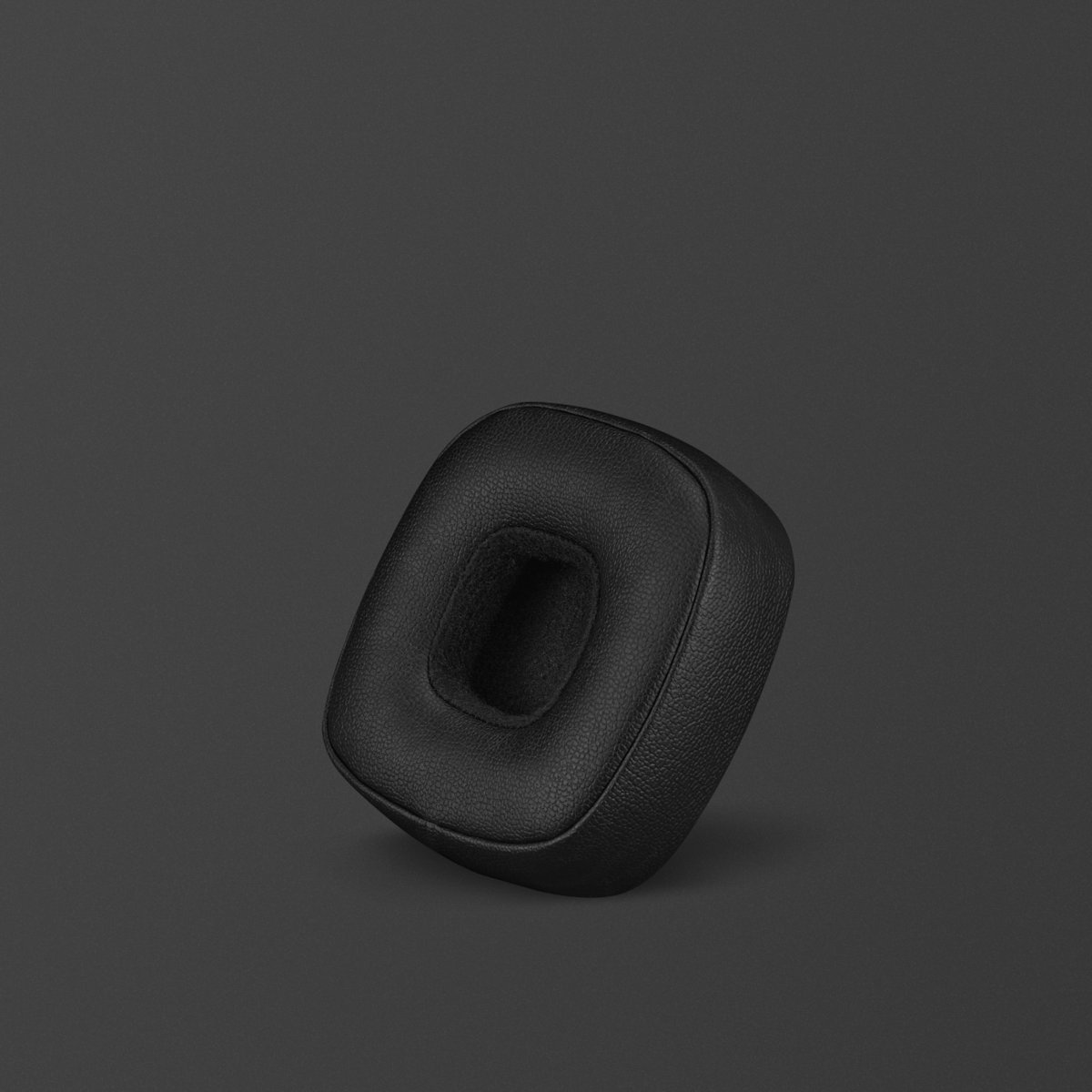
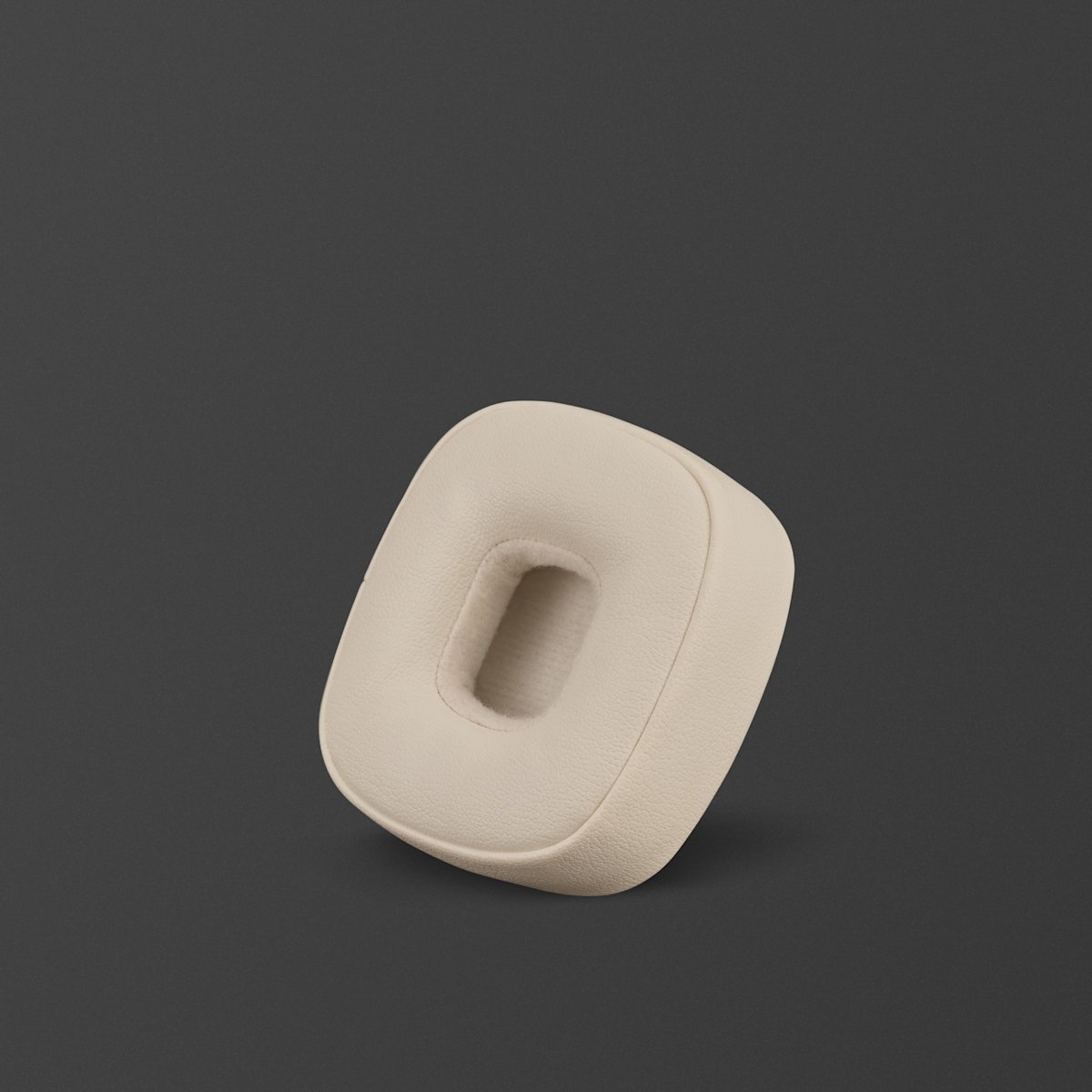
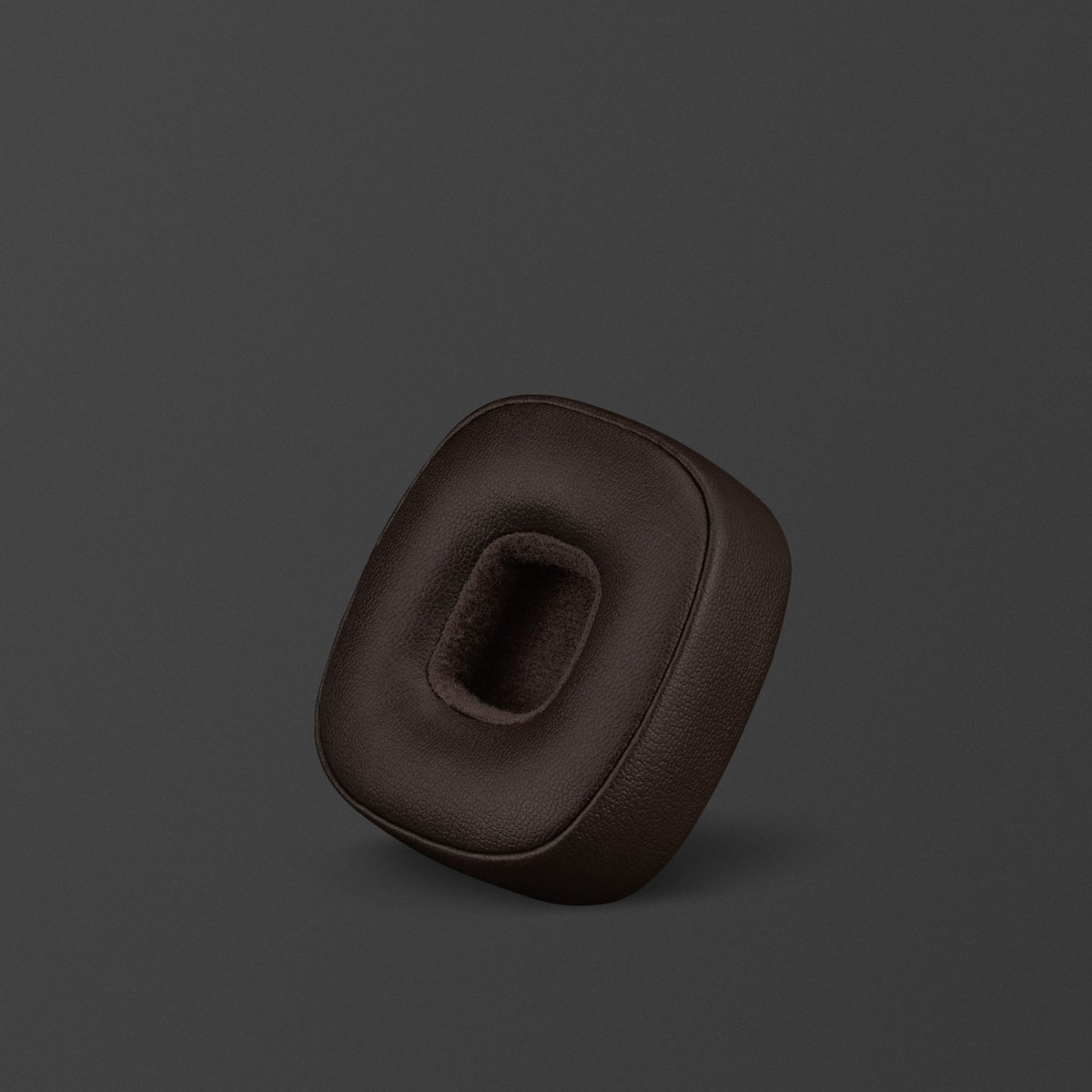
Turn the ear cushions anticlockwise and pull to remove them. Place the new ear cushions at a 45-degree angle and turn clockwise to lock them in place.
Follow these steps to replace the ear cushions on your Major V headphones:
Turn the ear cushions anticlockwise and pull to remove them.
Place the new ear cushions at a 45-degree angle and turn clockwise to lock them in place.

More guides
View all


Search Support
Contact Us
Our chat assistant can help you troubleshoot, manage your order and connect you to our support team.